Most handball stats start on paper: a sheet on the bench with tally marks for saves and goals. It works for a match or two, then the sheets get lost and nobody adds them up.
A handball stats app does the adding up for you. The hard part is choosing what to log, because you only have a few seconds between shots. This guide covers what to track, who should do it and what to do with the numbers.
What a handball tracker should log
If you are tracking goalkeepers, a few details per shot are enough to get far more than a save percentage:
- Where the shot came from: wing, 9 meters, 6 meters, 7 meters or a fast break.
- Where it went in the goal: this shows the areas the goalkeeper covers well and the ones opponents aim for.
- What happened: goal, save, miss or blocked.
- Who shot (optional): a jersey number lets you spot a shooter's habits, but it is one more thing to keep up with.
Who should keep the stats
The coach is usually busy coaching, and the goalkeeper is busy playing. It works best with one person whose only job is logging: an assistant coach, a teammate who is not playing, or a parent in the stands.
Speed decides whether it lasts. If logging a shot takes longer than the next attack needs, you fall behind and start to guess. So try the app before a real match, and keep it simple the first few games.
What to look at after the match
One match says little on its own. Start with save percentage per zone, then see how the goalkeeper did compared with what the shots called for. These guides go deeper:
- How to track handball goalkeeper performance
- The 5 best goalkeeper statistics to track
- What Expected Saves (xSV) means
- Tracking development over a season
- Why a strong defense matters for your goalkeeper
- Coaching your goalkeeper during a match
How Handball GoalieAnalytics works
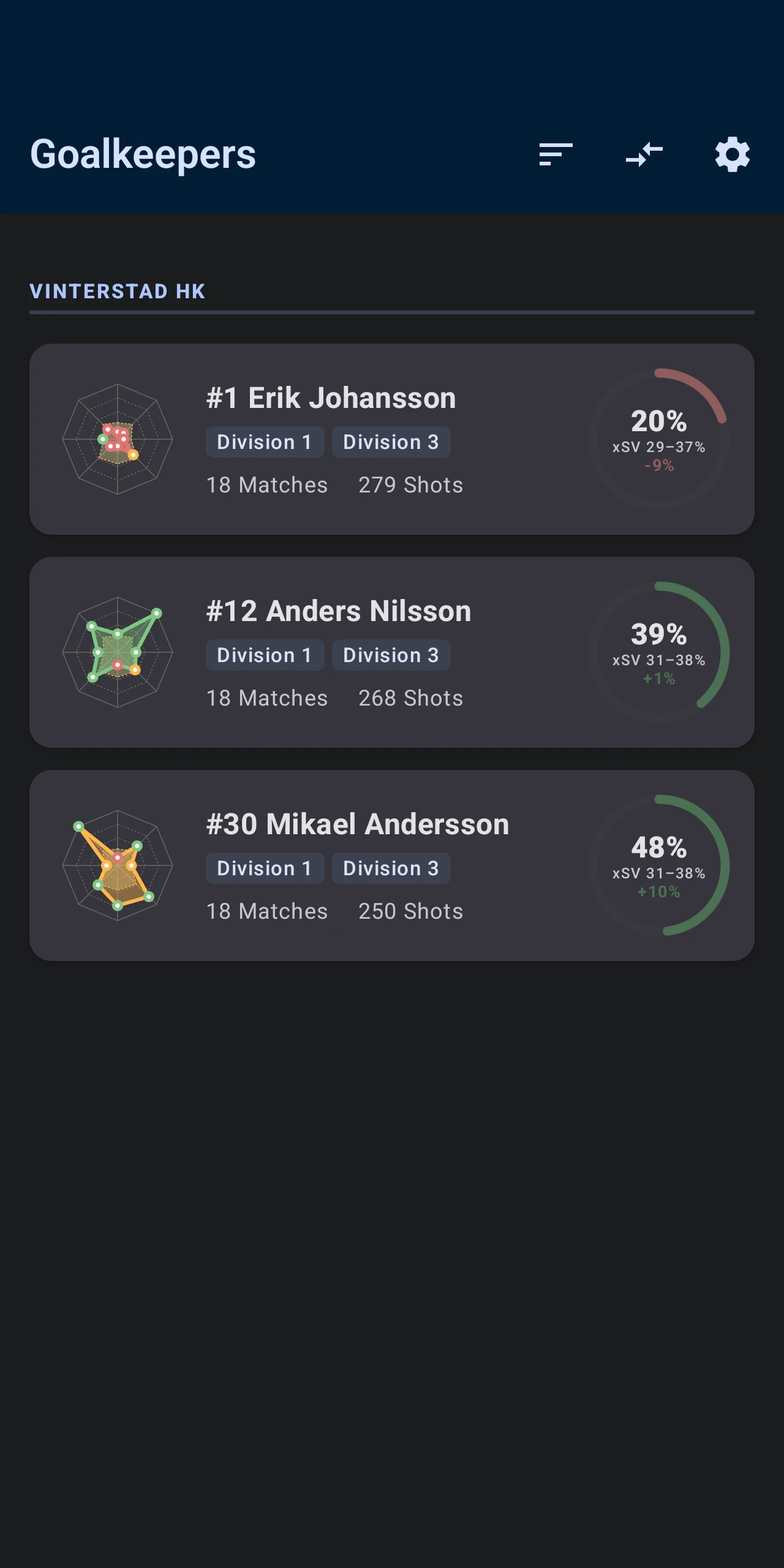
We built Handball GoalieAnalytics for exactly this. You log shots in the Android app during the match, and the save percentage, shot maps and expected saves are worked out as you go.
- Free: one goalkeeper, shot logging, save stats and xSV, plus the match report as an image. The 5 latest matches count in the stats.
- Starter: up to 3 goalkeepers, the full match history, goal map zones, court view, season trends, and finished matches shared on the web.
- Plus: cloud sync and the web dashboard in any browser, on a computer, tablet or iPhone.
- Pro: up to 20 goalkeepers, several coaches on the same goalkeepers, and live sharing of ongoing matches.
Logging takes place in the Android app. There is no iPhone app, but iPhone users can view shared matches and the web dashboard in the browser.
Want to see the result first? The demo team shows two goalkeepers' full season in the dashboard, with no sign-in needed.
Checklist
- Decide who logs the shots before the match starts.
- Log at least where each shot came from, where it went and what happened.
- Practice on a training match first.
- Go through the numbers with the goalkeeper after the match.
- Look at several matches before drawing conclusions.